
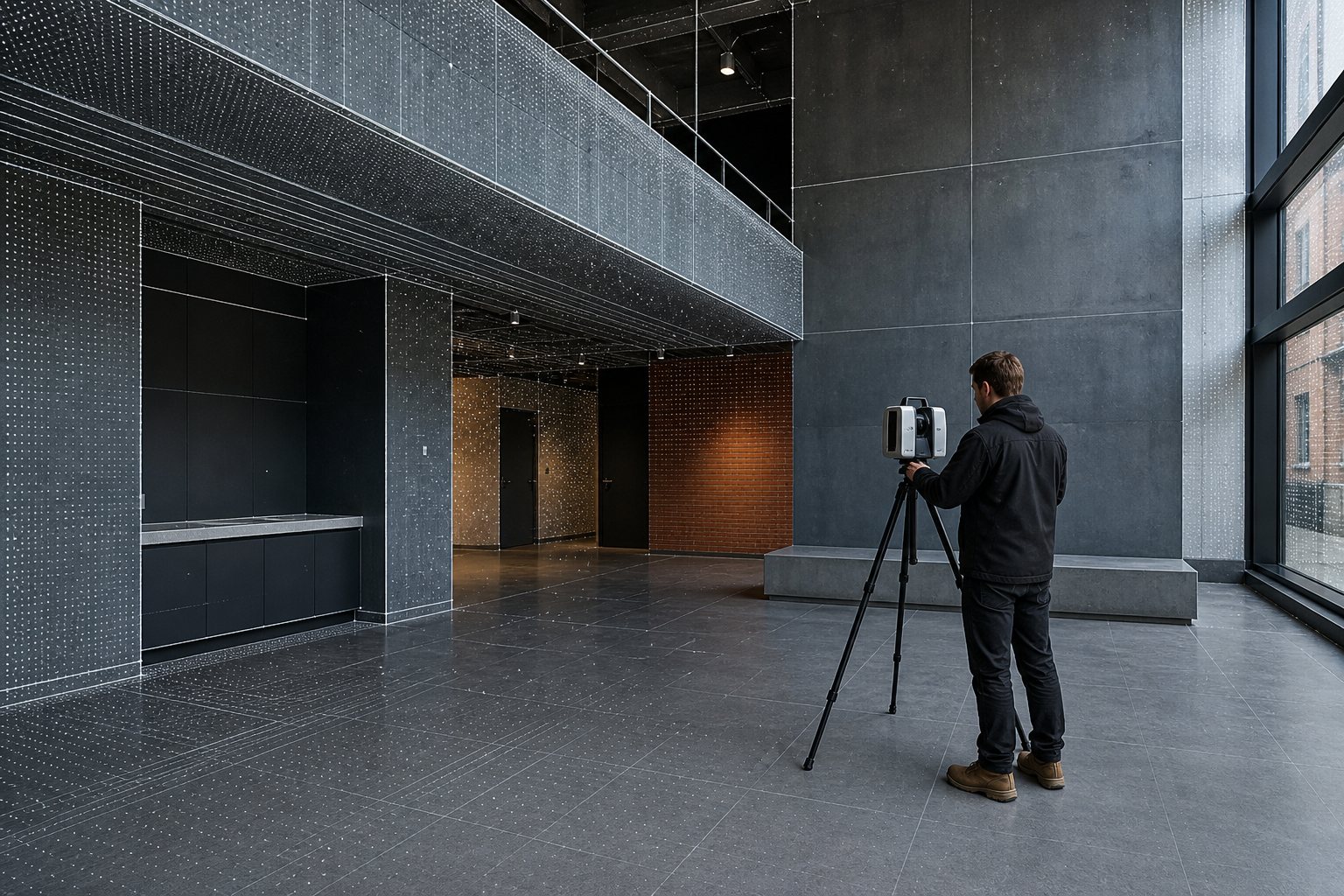
Point Cloud to BIM: What You Need Before Sending a Scan: the practical answer
A point-cloud-to-BIM brief should state what the model is for and what the scan can reliably show. Registered scan data alone does not resolve coverage gaps, hidden conditions, tolerance or decisions about how each element should be represented.
Confirm the scan and survey evidence
Identify the registered point-cloud format, survey control, capture dates, photographs, existing drawings and known inaccessible areas. State which source takes priority when the information conflicts.
Define the required model use
Say whether the model will support planning, an existing-condition study, refurbishment, coordination, technical design or asset information. The intended use determines sensible detail and tolerance.
Make limitations visible
Set out the coverage gaps, concealed construction, approximate elements and information that needs site verification. Recording unknowns is more useful than modelling them as settled facts.
Agree outputs and review responsibilities
Confirm the Revit version, template, naming, sheets, output formats, delivery date, comment route and who will decide questions about source information or representation.